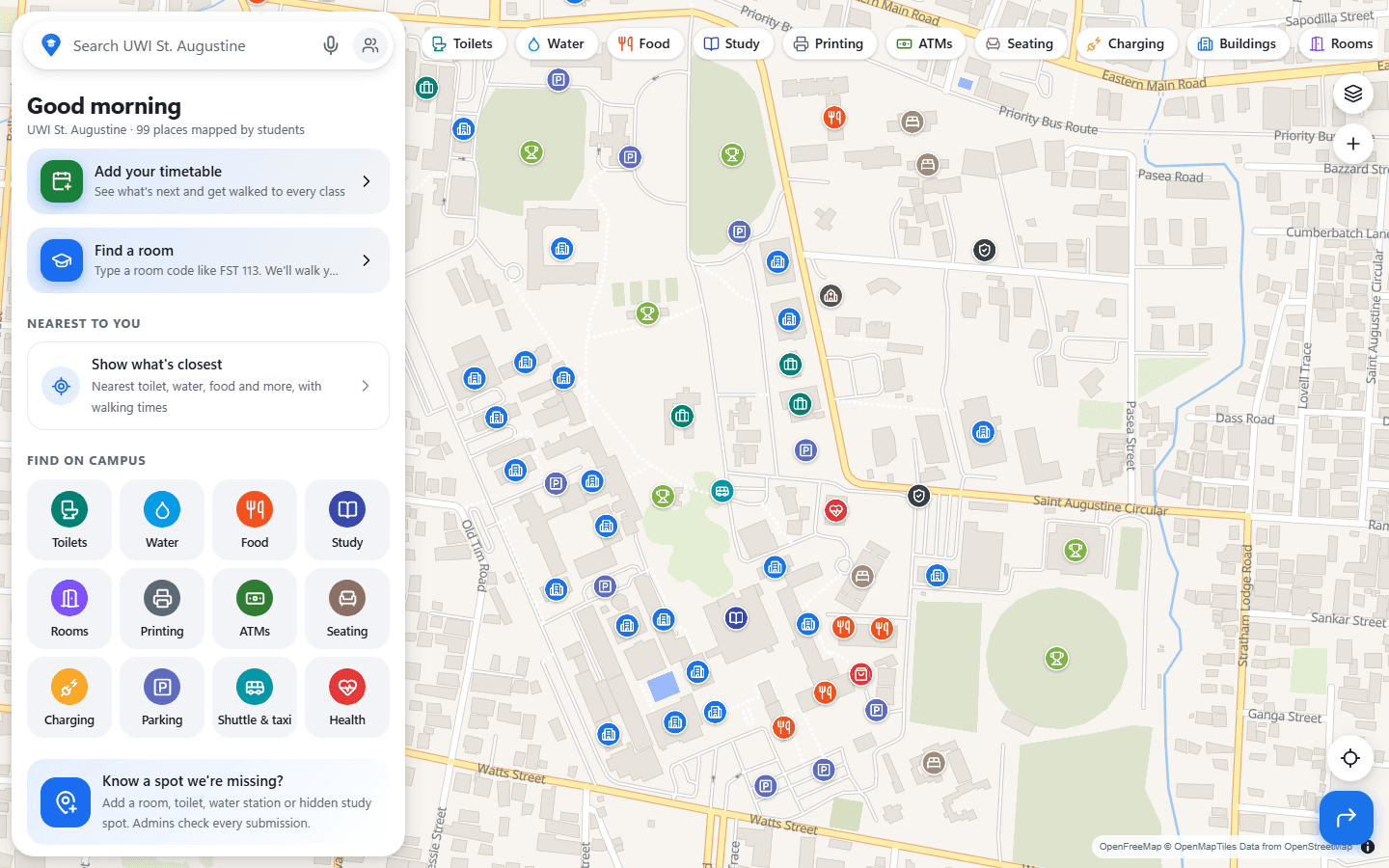
Every September, a new group of first-year students arrives at The University of the West Indies (UWI), St. Augustine. Many of them have no idea where their classes are, or what is even on campus. The official maps are hard to read, so students end up asking strangers for directions to a room they have never heard of. That is a stressful way to start university, and it didn't seem like the best we could do. I built Campus Maps to make those first weeks less confusing.
A map that already feels familiar
Campus Maps works like Google Maps, because nearly everyone has used Google Maps at some point. A new tool should not need a tutorial on your first day. The full-screen map has a search bar at the top, category chips for things like toilets, water, food, study spots, and printing, and a panel you can drag up for details.
Search understands what students actually type: room codes like “FST 113”, nicknames like “JFK” or “AJL”, everyday words like “bathroom”, and small typos. Pick a result and you get walking directions across campus paths, lawns, and courtyards, with turns named after landmarks students can see.
Getting to class
Students can add their courses from the official UWI timetable, or import them from CoursePilot. The home screen then shows what is up next, with one tap for directions to the room. Turn-by-turn navigation reads directions aloud and reroutes if you go the wrong way. You can also save the campus for offline use, so the map keeps working in places with no signal.
Built with the community
The campus has too many places for one person to map: every lecture room, toilet, water station, bench, and hidden study spot. So Campus Maps is community-driven. Anyone can long-press the map to suggest a missing place, add a photo, propose an edit, or report a problem. Admins review every submission before it goes live, so the map grows without losing accuracy.
Campus Maps is an independent student project, not run by or affiliated with UWI.
Explore the project
Open Campus Maps and look up your next class.